
HVAC Google Ads in Winter: What to Adjust Before Heating Season Starts
Short answer: Before heating season, I would separate heating campaigns from cooling, review repair versus replacement intent, refresh negative keywords and…
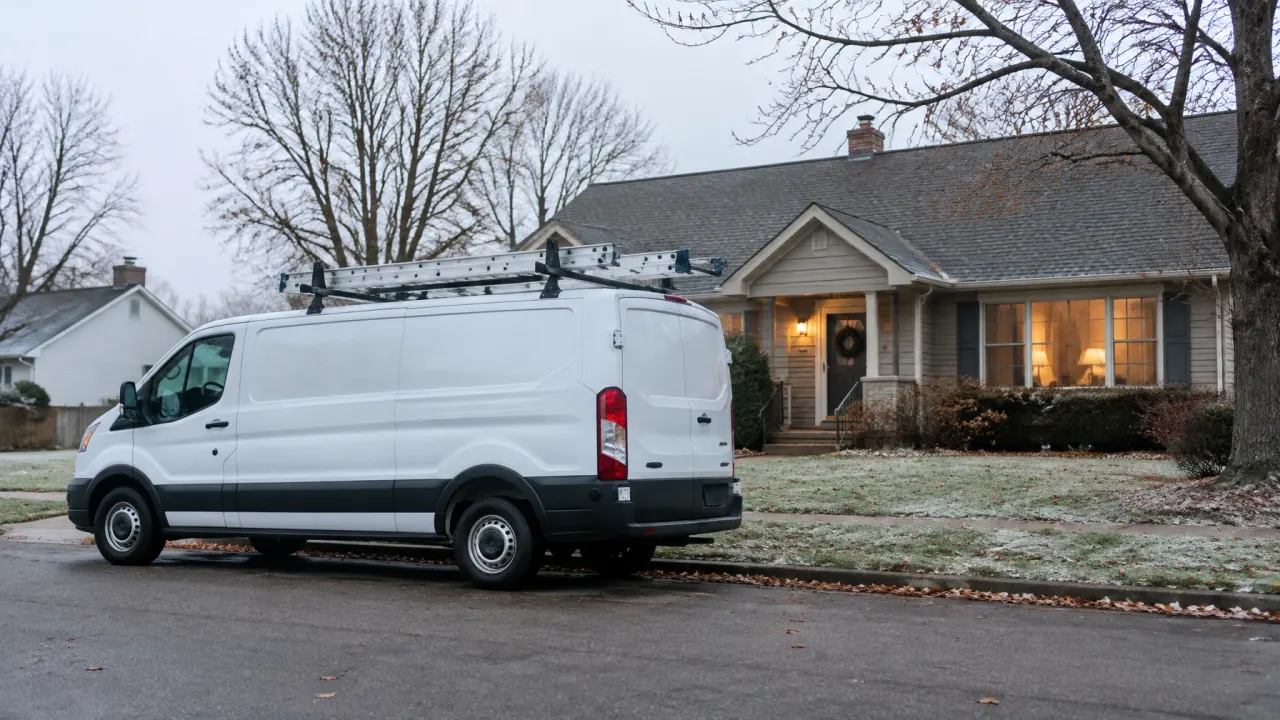
Short answer: Before heating season, I would separate heating campaigns from cooling, review repair versus replacement intent, refresh negative keywords and landing pages, and set budgets around the work your crews can take. Make these changes before the first cold snap, then refine based on qualified leads and booked jobs.
Heating season can bring a rush of search activity, but a campaign that still reflects summer priorities may send budget toward the wrong services, locations, or search terms. A little preparation now can make your ads more relevant when homeowners need heating help. The goal is not simply to spend more as the weather turns. It is to make sure the account is ready to attract the work you want and handle the leads it generates.
I’ve managed Google Ads since 2007, and my approach starts with the account’s actual data, not a universal seasonal formula. For more on my background, see my About page. Here are the adjustments I’d make before heating season gets busy.
1. Separate heating priorities from cooling campaigns
Start by checking whether your campaigns, ad groups, and landing pages reflect the services you want to sell this winter. If heating and cooling keywords sit together under broad, generic campaigns, it can be harder to see where the budget is going or match an ad to a searcher’s need.
Consider separating heating from cooling, then organizing heating traffic by intent. Furnace or boiler repair, heat pump service, maintenance, and system replacement are different searches with different expectations. Grouping every service under a single “HVAC” theme can make your ad copy vague and send people to a page that does not answer their question.
This is also a good time to check that the areas you target match your real service territory. If a crew cannot reasonably take a job in a particular town, paying to appear for searches there does not help the business. Review location settings and exclude places you do not serve, while taking care not to block valuable service-area searches by mistake.
2. Give repair and replacement searches different paths
A homeowner searching for furnace repair may need a service visit. Someone searching for a new furnace or heat pump installation is considering a larger project. These are not interchangeable leads, so I would avoid sending both groups to the same generic page if a more relevant option is available.
Review your keyword themes and the actual queries people used to reach your ads. Make sure repair searches lead to repair information, and replacement or installation searches lead to a page that explains those services. This makes the journey more useful for the customer and gives you a clearer picture of which types of searches are contributing to valuable work.
Before changing keywords, look at the account’s search terms report. It can show whether your ads are appearing for searches that fit the jobs you want, or attracting people looking for do-it-yourself instructions, parts, jobs, or services you do not offer. Google explains how to review search terms and find negative keyword ideas. Add exclusions based on the searches you actually see, rather than blocking broad words that may also appear in useful queries.
If you are unsure where waste may be hiding, my Google Ads audit looks at search terms, campaign structure, conversion tracking, and service-area settings.
3. Refresh negative keywords without blocking good leads
Search behavior can shift as customers move from air conditioning to heating needs. A negative keyword list built around your summer campaign may not cover irrelevant winter searches, and a list copied from another business may block useful terms in your market.
Look for searches that clearly do not fit your services, such as requests for parts or repair instructions if you do not sell parts or provide DIY advice. Check for job-seeker terms if hiring inquiries are not a goal for the campaign. If you do not offer a certain equipment type or commercial service, consider whether searches for it should be excluded.
Use judgment before excluding broad themes like “cost,” “price,” or “replacement.” People researching cost may be serious prospects, and replacement may be exactly the work you want. Negative keywords need regular review, not a one-time cleanup. Google’s guidance on how negative keywords work is useful when choosing the right match type and avoiding accidental overblocking.
4. Set the budget around demand and service capacity
There is no single winter budget that fits every HVAC business. The right level depends on your service area, competition, past campaign performance, and how many jobs your staff can take. Review previous heating-season results, if available, and identify which services produced qualified leads and booked work. Use that evidence to decide what deserves priority this season.
Before increasing spend, check whether your team can answer inquiries and schedule the jobs. More clicks do not help if you are already at capacity or cannot respond to leads. If demand rises during a cold snap, adjust budgets deliberately and keep an eye on the work each campaign is attracting. When capacity tightens, your ads should reflect what you can still deliver.
Google’s seasonal budget adjustments can support a temporary change for a short, predictable demand spike. For a full heating season, avoid treating a short-term setting as a substitute for a thoughtful seasonal plan. Google notes that Smart Bidding already accounts for typical seasonality, and that seasonality adjustments are intended for brief changes in conversion rates. Plan the winter campaign structure and budget separately, then use brief adjustments only when there is a clear reason.

5. Update ad copy and landing pages for heating customers
Check whether your ads clearly describe the service behind each keyword theme. A heating repair ad should not read like a summer cooling promotion, and an installation ad should not promise a service you cannot provide. Use accurate language about your service area, availability, and the work your business actually performs. Avoid promises about emergency response, same-day appointments, financing, or warranties unless they are current and consistently deliverable.
Then check where each ad sends people. The landing page should make the service easy to recognize, explain what happens next, and give visitors a clear way to get in touch. If you serve multiple communities, confirm the page names the right locations. If you offer both maintenance and replacements, make sure the page answers the questions relevant to the visitor rather than forcing every searcher to sort through unrelated services.
On mobile, make the contact option easy to find and ensure forms are straightforward. Test the page yourself on a phone: Does it load correctly? Is the service clear right away? Can a potential customer contact you without hunting for the next step? A well-targeted ad can still underperform if the page creates unnecessary friction.
6. Check measurement before the seasonal rush
Before launch or major changes, confirm that the account records meaningful actions. Calls and completed forms can be useful signals, but not every recorded action represents a qualified lead or booked job. Make sure the conversion actions you use for reporting and bidding reflect outcomes that matter to the business, and check that duplicate or low-value actions are not distorting the picture.
During the season, review more than click volume. Look at the search terms generating leads, the types of jobs those leads request, the areas they come from, and whether they turn into booked work. Keep notes on campaign changes so you can compare results fairly. The point is to find the mix that supports your service goals, not to chase a larger number of clicks.
My case studies show how clear tracking and account structure can inform decisions in other businesses. Those examples are not HVAC results, so I would use your own account data to judge what is working for your shop.
Make the adjustments before winter demand peaks
Before heating season starts, review campaign structure, repair and replacement intent, negative keywords, location targeting, budget, ad copy, landing pages, and measurement. Make the changes early enough to check that ads and pages work as intended. Once the season is underway, keep reviewing actual lead quality and booked work, and adjust according to both demand and your ability to serve new customers.
For more on my approach to HVAC campaigns, explore my Google Ads management for HVAC contractors. If you want help reviewing your heating-season campaigns, request an HVAC Google Ads review.
Quick Answers
About the Author
Charles Williams
· Founder, High Priority MarketingGoogle Ads Specialist · Managing paid search campaigns since 2007
Charles has been managing Google Ads accounts for local service businesses, home services contractors, and B2B companies since 2007. He has worked with Fortune 500 brands including CarMax, Adobe, and Citrix, and founded High Priority Marketing to give smaller businesses access to that same level of strategic depth without the overhead that drives up costs and slows things down.
highprioritymarketing.com →Find Out Where Your Google Ads Budget Is Leaking
Get a free audit of your Google Ads account. I review it myself and show you exactly where spend is being wasted and what to fix first.
Get Your Free AuditReady to get started?
See the services I offer and how I can help your business grow.