
7 Mistakes You're Making with Google Ads Management (and How to Fix Them)
Seven common Google Ads management mistakes, from loose keywords to broken conversion tracking, and how to fix each one.
Short answer: The seven most common Google Ads management mistakes are launching without clear goals, using broad or irrelevant keywords, inconsistent conversion tracking, weak ad copy, sending traffic to unoptimized landing pages, ignoring ad extensions, and not reviewing campaign data regularly. All seven are fixable, and the biggest wins usually come from tighter keywords, a real negative keyword list, and consistent tracking.
Google Ads can be a goldmine for businesses, or a money pit. The difference often comes down to avoiding common mistakes that silently drain your budget and kill your ROI. Whether you're running campaigns in-house or working with an agency, these seven critical errors could be costing you thousands.
Let's break down what's going wrong and how to fix it.
1. Launching Campaigns Without Clear Goals
Here's the truth: if you don't know what you're trying to achieve, Google Ads will happily spend your money anyway. Too many businesses launch campaigns with vague objectives like "get more traffic" or "increase brand awareness" without defining what success actually looks like.
Without specific goals, optimization becomes pure guesswork. Are you trying to generate leads? Drive phone calls? Increase online sales? Each goal requires different campaign structures, bidding strategies, and conversion tracking.
The Fix
Before spending a dollar, define specific, measurable goals. Instead of "get more leads," try "generate 50 qualified leads per month at a cost per lead under $75." This clarity allows you to build campaigns with the right structure and actually measure what's working.
2. Using Broad or Irrelevant Keywords
Broad match keywords are budget killers. Without proper control, they trigger your ads for searches that have nothing to do with your business. Selling B2B software? Broad keywords might show your ads to students researching for school projects or job seekers looking for employment.
Poor keyword research consistently ranks as one of the most expensive mistakes in Google Ads management. You end up paying for clicks that were never going to convert.

The Fix
Prioritize Phrase Match and Exact Match keywords over broad match. Use Google Keyword Planner to research terms that actual buyers use, not just high-volume keywords. Most importantly, build a comprehensive negative keyword list.
For example, if you sell digital marketing courses, add negative keywords like "jobs," "salary," "career," and "free" to prevent wasted spend. Review your search terms report weekly and add new negative keywords aggressively.
3. Inconsistent Conversion Tracking
Here's a scenario we see constantly: a business tracks form submissions in one campaign, phone calls in another, and uses different attribution windows across their account. The result? Their data becomes completely unreliable.
When your conversion tracking is inconsistent, you can't accurately judge which campaigns, keywords, or ads are actually profitable. You're essentially flying blind while spending money.
The Fix
Apply conversion tracking consistently across your entire account. Use the same attribution method, count type, and conversion windows. Track all meaningful actions, phone calls, form submissions, chat interactions, and purchases.
Set up proper conversion values so you can calculate actual ROI, not just conversion volume. At High Priority Marketing, we've helped clients achieve 500% ROAS by implementing proper tracking and attribution models.
4. Writing Weak Ad Copy
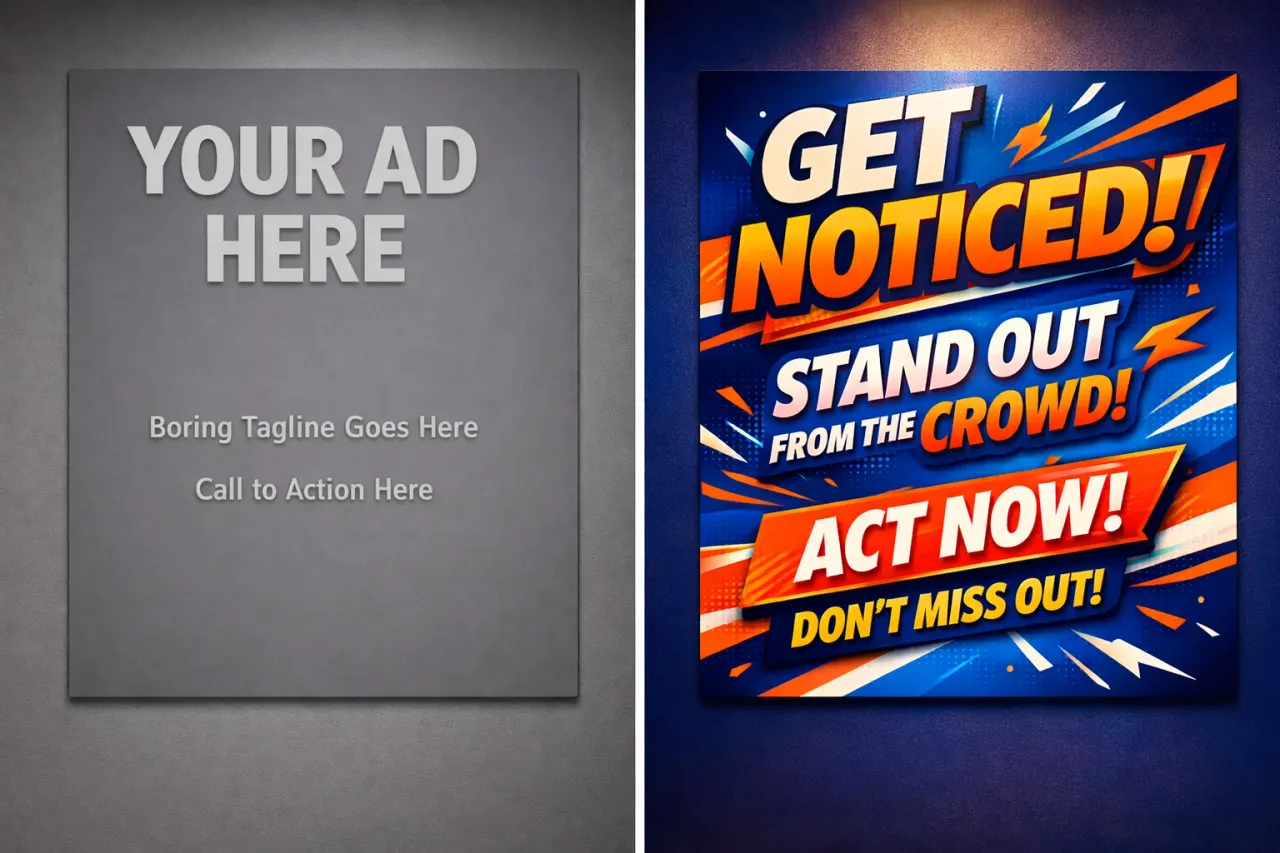
You can have perfect targeting, but if your ad copy is weak, no one's clicking. Generic headlines like "Buy Products Online – Great Quality" don't stand out in a sea of competitors. They don't give users a reason to choose you.
Low click-through rates hurt more than just your traffic, they lower your Quality Score, which increases your cost per click. You end up paying more for fewer clicks.
The Fix
Write benefit-focused headlines that speak directly to your audience's needs. Include your main keyword naturally, use compelling CTAs like "Get a Free Quote" or "Book Your Demo Today," and A/B test multiple variations.
Compare these two examples:
- Weak: "Buy Shoes Online – Great Quality"
- Optimized: "Shop Running Shoes – Free Delivery & 50% Off Today"
The optimized version is specific, creates urgency, and gives a clear reason to click.
5. Sending Traffic to Unoptimized Landing Pages
This might be the biggest conversion killer of all. You're spending money to drive high-quality traffic, but then sending those clicks to a generic homepage or a landing page that doesn't match your ad message.
Users expect consistency. If your ad promises "50% Off Kitchen Renovation," but they land on a homepage showcasing all your services, the disconnect creates confusion and kills conversions.
The Fix
Create dedicated landing pages for each major campaign. Match your landing page messaging exactly with your ad copy. If your ad talks about a specific service or offer, that's what should be front and center on the landing page.
One of our clients in the home décor space saw a 60% improvement in conversions after redirecting their ads from their homepage to a dedicated "Curtains Sale" landing page that matched their ad messaging.
Focus on conversion-optimized design: clear headlines, benefit-driven copy, prominent CTAs, and minimal distractions. Tools like Unbounce or Elementor can help you build effective landing pages without coding.

6. Ignoring Ad Extensions
Ad extensions are free real estate that make your ads bigger, more visible, and more clickable. Yet many advertisers completely ignore them. This is leaving money on the table.
Extensions provide additional information and take up more space on the search results page, which naturally leads to higher click-through rates and better Quality Scores.
The Fix
Implement these extensions immediately:
- Sitelink Extensions: Direct users to specific pages like services, pricing, or case studies
- Call Extensions: Add your phone number so mobile users can call with one tap
- Location Extensions: Show your business address if you have a physical location
- Structured Snippets: Highlight specific aspects of your products or services
- Promotion Extensions: Feature current sales or special offers
Review extension performance regularly and adjust based on what's getting clicks and conversions.
7. Not Reviewing Campaign Data Regularly
Google Ads is not a "set it and forget it" platform. Campaigns decay without oversight. Keywords that performed well last month might be hemorrhaging money this month. Auto-apply settings can wreck accounts by automatically making changes you never approved.
Without regular reviews, you have no idea which keywords are actually making you money and which ones are just burning budget.
The Fix
Schedule weekly or bi-weekly campaign reviews. Look at your search terms report and add negative keywords. Pause underperforming keywords and ad groups. Reallocate budget from low-ROI campaigns to high-performers.
Turn off Google's auto-apply settings so you maintain control over your account. Review recommendations manually and implement only the changes that make sense for your business goals.
Ask yourself regularly: "Do I actually know which keywords are profitable?" If the answer is no, you need to dig into your data immediately.
Stop Losing Money on Google Ads
These seven mistakes are incredibly common, but they're also completely fixable. The difference between a profitable Google Ads account and a money pit often comes down to proper management, consistent optimization, and attention to detail.
If you're making any of these mistakes, don't panic: but do take action. Start with the fixes that will have the biggest impact on your specific account, whether that's tightening up your keyword targeting, improving your ad copy, or finally implementing proper conversion tracking.
Need help auditing your current Google Ads setup or want expert management that avoids these costly mistakes? Get in touch with our team for a free account review.
Quick Answers
About the Author
Charles Williams
· Founder, High Priority MarketingGoogle Ads Specialist · Managing paid search campaigns since 2007
Charles has been managing Google Ads accounts for local service businesses, home services contractors, and B2B companies since 2007. He has worked with Fortune 500 brands including CarMax, Adobe, and Citrix, and founded High Priority Marketing to give smaller businesses access to that same level of strategic depth without the overhead that drives up costs and slows things down.
highprioritymarketing.com →Find Out Where Your Google Ads Budget Is Leaking
Get a free audit of your Google Ads account. I review it myself and show you exactly where spend is being wasted and what to fix first.
Get Your Free AuditReady to get started?
See the services I offer and how I can help your business grow.